Bug #1125
openIssues with the success message shown after creating or updating college/university
0%
Description
Steps:
1. Launch the link: http://ij.mdlab.com:1301/
2. Login as test_user
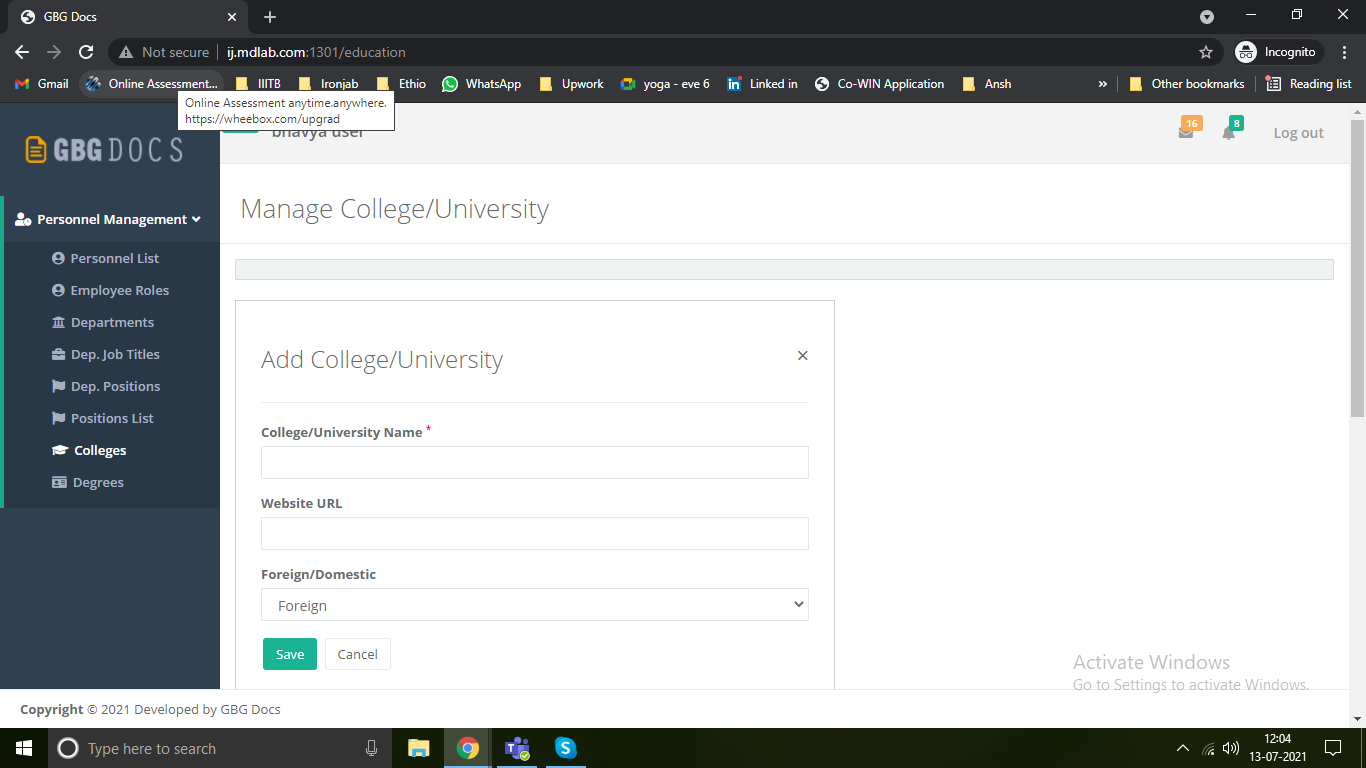
3. Click on the Manage College/University menu
4. Click Add College/University button
5. Input mandatory data and click on Save button
Issue:
1. Note that the success message shown after creation, just stays there and doesn't disappear on its own after few seconds. Also, there is no close icon shown for the success message.
Video Link: https://www.screencast.com/t/zXJtoBeT
2. The success message shown after creation should be: "College/University #<university_#> added successfully"
After updating the record, the message should be "College/University #<university_#> updated successfully"
Files
Updated by Vahram Hayrikyan over 5 years ago
- Status changed from New issue to Needs Testing
Updated by Bhavya B about 5 years ago
- File success message not closed.png success message not closed.png added
- Status changed from Needs Testing to In Progress
- Assignee changed from Mark Moon to Vahram Hayrikyan
The close button is there. However, if user doesnt close the success message and click on Add button, there is blank message shown as shown in picture.
Please fix and send back.